
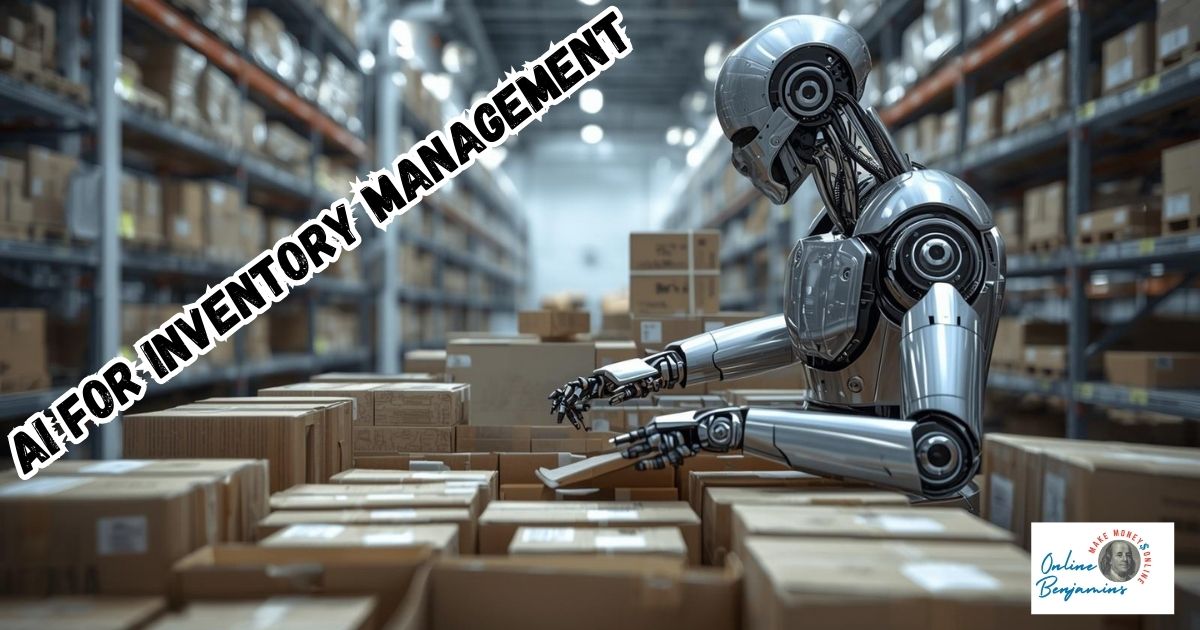
Managing inventory well is one of the core things that keeps a business running smoothly. I’ve seen firsthand how unpredictable demand, manual errors, and delayed restocking can create expensive headaches. Artificial intelligence (AI) is switching up the way businesses deal with inventory by helping them plan smarter, cut costs, and react quicker when the market moves. My goal here is to break down what makes AI-powered inventory management tick, how to use it well, and what you need to keep top of mind if you want to get serious value from these tools.
QUICK LOOK: – Key Steps to Getting Started with AI for Inventory Management
- Spell Out the Pain Points: Write down where you’re losing the most money or time (for example, constant stockouts or stacks of unsold inventory).
- Clean Up Your Data: Make sure all your key data is legit and current—sales numbers, vendor contacts, lead times—since AI tools are only as good as the info you feed them.
- Pick Software That Fits: Hunt for platforms that hook up with your existing sales, warehouse, and purchasing setups. Read real reviews and ask for a demo if you can.
- Test Small and Learn: Run your AI tool on just one warehouse or a handful of high-turnover products. See what works and tweak the rest before you go full scale.
- Train and Support Your People: Make sure everyone knows how to use the new system and knows what to do if there’s a snag. Honest feedback at this stage is gold.
- Review and Tweak Regularly: Track how your inventory accuracy, turnover speed, and customer satisfaction change over time. Use what you learn to update your settings and rules.
Key Concepts of AI in Inventory Management
AI in inventory management uses machine learning, data analytics, and automation to help keep the right amount of product in stock. These tools sift through sales numbers, seasonal trends, customer habits, and even outside influences like the weather or breaking news to deliver better predictions.
Inventory managers once made decisions using simple historical sales numbers or just their gut instinct. With AI, you get a much deeper level of insight and accuracy, making day-to-day work less stressful and a lot more dependable.
According to findings from McKinsey and other top experts, AI can slice inventory costs by 20 to 30 percent by improving forecasts and cutting down the need for last-minute restocking or panic orders. Sensors and smart software are now standard parts of supply chains; just about any business—retail, manufacturing, food service, or healthcare—can keep close tabs on goods as they move from a warehouse straight to a customer.
Gone are the days when you had to wait for end-of-month stock checks or slog through chunky spreadsheets. These systems follow inventory as it arrives and leaves, with alerts in real time if something isn’t right or demand bursts unexpectedly. That puts you in charge and helps prevent costly surprises.
Getting Started with AI Inventory Solutions
Getting started with AI for inventory isn’t as intimidating as it might sound. The essential first step is to understand the exact problems you hope to fix—are you grappling with frequent stockouts, high storage costs, or sluggish restocking? Solid data is a must-have. If your records—sales info, supplier details, current inventory—are messy or incomplete, make it a priority to clean things up before letting AI step in.
There are a few important terms and features you’ll likely bump into:
- Predictive Analytics: This uses AI to guess future demand based on tons of past and current data, revealing patterns you’d never see by hand.
- Automated Replenishment: AI keeps an eye on inventory in real time and helps kick off orders automatically when stock dips, often without you having to intervene.
- IoT Sensors and RFID: These track where goods are, how fast they move, and send instant updates back to your inventory system.
- Integrated Platforms: These combine your sales channels, warehouse tools, and supplier info so that all decisions are based on a complete dataset.
Many businesses test the waters with a pilot project—a focused trial—so they can spot the benefits and iron out hiccups before rolling AI across the whole operation. This pilot usually starts with a single product line or area of the warehouse to keep things tight and easy to manage.
Frequently Asked Questions
I often get similar questions when people are thinking about using AI for inventory. Here are some of the top ones, plus my take on them.
Does my business need a massive crew of experts to make the most of AI inventory tools?
Many modern platforms are set up with simple dashboards and built-in automation. While training is helpful, small and mid-sized businesses can get major benefits without having to pay for in-house data engineers.
What kind of data should I pull together before beginning?
Good records on sales, how quickly suppliers deliver, your present stock, and basic product details are the backbone of success. The better your recordkeeping, the better your system will do.
How long before I’ll notice a difference with AI-driven inventory?
Most companies see leaner, more accurate inventory within a few months, though the exact timeline depends on your starting point and the scope of your pilot test.
Action Steps for AI-Driven Inventory Management
If you’re ready to try this out, here’s a hands-on roadmap that has helped me and others build confidence in AI inventory tools:
- Spell Out the Pain Points: Write down where you’re losing the most money or time (for example, constant stockouts or stacks of unsold inventory).
- Clean Up Your Data: Make sure all your key data is legit and current—sales numbers, vendor contacts, lead times—since AI tools are only as good as the info you feed them.
- Pick Software That Fits: Hunt for platforms that hook up with your existing sales, warehouse, and purchasing setups. Read real reviews and ask for a demo if you can.
- Test Small and Learn: Run your AI tool on just one warehouse or a handful of high-turnover products. See what works and tweak the rest before you go full scale.
- Train and Support Your People: Make sure everyone gets how to use the new system and knows what to do if there’s a snag. Honest feedback at this stage is gold.
- Review and Tweak Regularly: Track how your inventory accuracy, turnover speed, and customer satisfaction change over time. Use what you learn to update your settings and rules.
Active involvement pays off—set clear targets, regularly check your numbers, and listen to your team. This approach stops you from leaning too much on automation and helps make sure the new system really does make things better.
Common Hurdles and How to Handle Them
Bringing AI into inventory management isn’t always a smooth ride. Here are some roadblocks I’ve run into and tips on handling them:
- Data Integration Problems: Older systems may not connect easily to new AI tools. Always check if your chosen software will hook up with what you’ve already got before making a big purchase.
- Pushback from the Team: Sometimes, staff worry about job cuts or tough changes. Solid training, clear chats about why you’re making the move, and honest answers can help build trust and reduce anxiety.
- Unpredictable Demand Changes: Even the cleverest models can be caught off guard by sudden events like viral trends or supply chain snags. Stay alert for alerts and have a plan B just in case.
- Security Concerns: More connections and automation mean beefed-up cyber risks. Work closely with your IT crew to keep systems secure and run regular safety audits.
Most of these hiccups can be fixed with extra care—plan, and regular check-ins. The big wins—better accuracy, reduced waste, and happier customers—usually far outweigh the effort.
Automation for Everyday Operations
From what I’ve seen, manual tracking and ordering are some of the biggest time-wasters for businesses. AI takes over jobs like stock checks, routine data entry, and placing orders. This not only frees up time but also slashes mistakes. With automated prompts and order triggers, your team can focus on growth strategies instead of rechecking logs and paperwork all day.
Forecasting Quality and Business Benefits
One thing that impresses me most about AI inventory management is the accuracy of its forecasts. It takes into account unpredictable things like local promotions, holidays, and even the weather to help with planning. This means your money won’t be sitting in unsold products, and your shelves are less likely to be empty just when customers want to buy.
Keeping Track in Real Time and Spotting Problems
IoT sensors and RFID tags pair nicely with AI software to let you know exactly where each item is at any moment. When there’s a sudden bump in sales or a shipment goes missing, the system fires off an instant alert. This level of real-time visibility was impossible with the old ways and gives you a clear edge in fixing things fast.
Examples of AI in Inventory Management
From my own experience, seeing how AI works in the real world makes its value obvious. Here are some ways different sectors make smart use of these tools:
- Retail: AI forecasts help stores switch up their product mix by season or location, making shelf space count and cutting down on lost sales.
- Manufacturing: Teams line up raw material deliveries with production needs, ensuring machines stay busy and warehouses aren’t overstuffed.
- Food Service: Restaurants use AI to predict order demand for busy nights or holidays, cutting spoilage and keeping favorites in stock.
- Healthcare: Hospitals rely on AI to keep track of life-saving supplies, medicines, and equipment—keeping stock where it should be, without overbuying or letting things expire.
Industry studies from McKinsey and Gartner now see advanced AI inventory management not as a fancy add-on—but a standard for businesses that want to keep up with competition.
Practical Tools and Starter Software
Most businesses start out on the AI path with basic inventory software that links up with their existing sales and warehouse tools. As trust in the system grows, they layer in items like IoT sensors and demand forecasting models. A starter package will usually feature:
- Automated alerts when stock dips
- User-friendly dashboards with live inventory counts
- Quick links to your sales data
- Simple exports for fast reporting
Over time, you can add modules for sharper forecasting, automatic restocking, and visual data displays. Each step grows the power of your set-up—and boosts what every team can do.
At the end of the day, AI isn’t about replacing your judgment or letting robots run the show. It’s about making decision-making smoother, faster, and less risky, freeing you to step up your planning and creative thinking for the long haul.
Check Out Our Most Recent Articles:
- Managing Multiple Social Media Platforms Efficiently

- Affordable Studio Lighting Kits To Level Up Your Video Content

- Optimizing Blog Posts For GEO To Boost Affiliate Revenue

- Profitable Full-Time Blogging with Diversified Income Streams

- Increasing Engagement To Boost Affiliate Marketing Income

- Scaling Content Production Without Increasing Costs

Wishing You Much Success in Your Inventory Management,

- onlinebenjamins.com
- thebeachangler.com
- thesinnerinthemirror.com
- diyoutdoorsmen.com
- Facebook: Online Benjamins
- Twitter: @onlinebenjamin1
- Instagram: dotcomdinero
- YouTube: Online Benjamins
Rex
P.S. If you have any questions or are unsure of anything, I am here, and I promise I will get back to you on all of your questions and comments. Just leave them below in the comment section. Follow me on Twitter: @onlinebenjamin1, Instagram: dotcomdinero, and Facebook: Online Benjamins.


Hi,
Thanks for stopping by and congratulations for taking the first steps to building your own online business. I’ve been in business both offline and online since 1997. I would consider it an honor to help you build your business. Father of 3, life long outdoorsman with an education in Genetics and Economics. This site is about cutting through the BS and finding the real opportunities in the online world. I look forward to working with you.